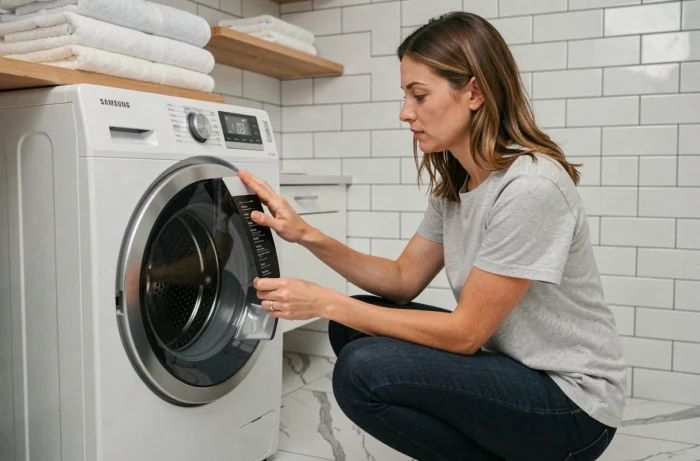
A Samsung Eco Bubble washing machine that refuses to start a cycle, displays a persistent error code, or no longer responds to the control panel commands often leads to considering a call to customer service. However, resetting the washing machine is the first diagnostic step recommended by Samsung, capable of resolving a significant portion of software blockages without technical intervention.
Samsung Eco Bubble and connected models reset: two distinct procedures
Online content treats resetting as a single action, identical across all models. This is a simplification that can be problematic. Recent Eco Bubble models incorporate a software layer absent in older models, particularly in Wi-Fi compatible SmartThings versions.
On a connected model, unplugging the machine does not reset the network settings. The SmartThings pairing, the saved Wi-Fi network, and remote cycle settings remain recorded. After a change of internet box or a prolonged outage, the machine may appear “offline” in the app even after a standard electrical restart.
For these models, two levels of reset must be distinguished: the hardware reset (power cut) and the network reset. The latter involves putting the washing machine into AP mode, forgetting the network in SmartThings, and then pairing again. Field feedback varies on this point: some users report that a simple hardware reset is enough to restore the connection, while others must go through the complete device addition procedure in the app.
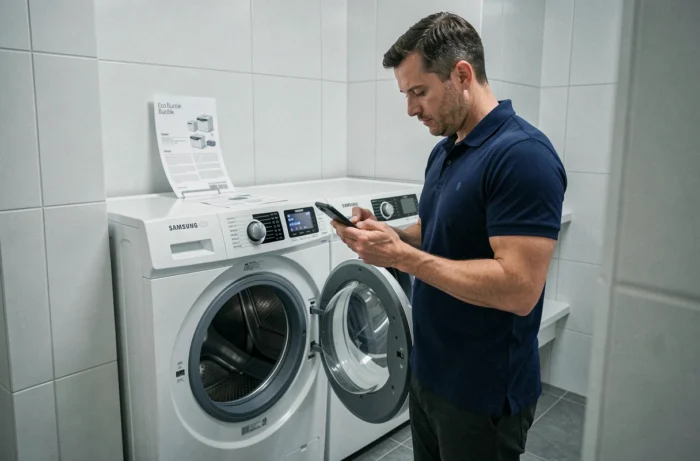
Before looking for how to reset a Samsung Eco Bubble washing machine, first check if your model has Wi-Fi connectivity: the presence of the SmartThings logo on the control panel or in the technical documentation confirms it.
Hardware reset of the Samsung washing machine: step-by-step method
The basic procedure remains the same across the entire Eco Bubble range, whether connected or not. It relies on a complete power cut.
- Turn off the machine using the power button, then unplug the power cord from the wall outlet. Using the dedicated circuit breaker also works if the outlet is hard to access.
- Wait several minutes before plugging it back in. This delay allows the capacitors on the electronic board to discharge completely, which clears the temporary settings in memory.
- Plug it back in, turn on the machine, and start a short cycle without laundry to check that the error code has disappeared and that the drum is spinning normally.
An error code that reappears after this procedure indicates a hardware problem, not just a simple software bug. Codes related to draining (5E), water supply (4E), or pressure switch (1E) persist if the physical cause is not addressed: clogged pump filter, closed water supply, or faulty sensor.
Accessing Samsung’s test mode for further diagnosis
Samsung includes a diagnostic mode accessible without tools. The key combination varies by generation, but it generally involves holding down two buttons on the control panel simultaneously for a few seconds during power-up. This mode allows you to check the display, consult the software version, and individually test components (pump, solenoid valve, motor).
The test mode does not fix a malfunction, it locates it. If the pressure switch does not respond during the test or if the drain pump does not activate, the diagnosis is made unambiguously. This is valuable information to communicate to the technician if intervention becomes necessary.
Eco Bubble error codes: distinguishing software blockage from actual failure
Resetting resolves blockages related to an interrupted cycle (power cut, opening the door during the program, temporary drum overload). However, it cannot do anything against a faulty component.
Some guidelines to help direct the diagnosis:
- Codes related to drum imbalance (UE, UB) often disappear after a reset followed by proper redistribution of laundry. Regular overloading accelerates the wear of the shock absorbers and makes these codes recurrent.
- Drain codes (5E, SE) persist if the pump filter is not cleaned. Samsung recommends periodic cleaning of the filter, accessible at the lower front of the machine.
- Temperature codes (HE, HE1, HE2) point to the heating element or its sensor. No reset will change this.
- The DE code (door error) indicates a problem with the door lock. Check that nothing is blocking the seal before concluding that there is a fault with the door safety.
AI Eco Bubble: what the reset changes on recent models
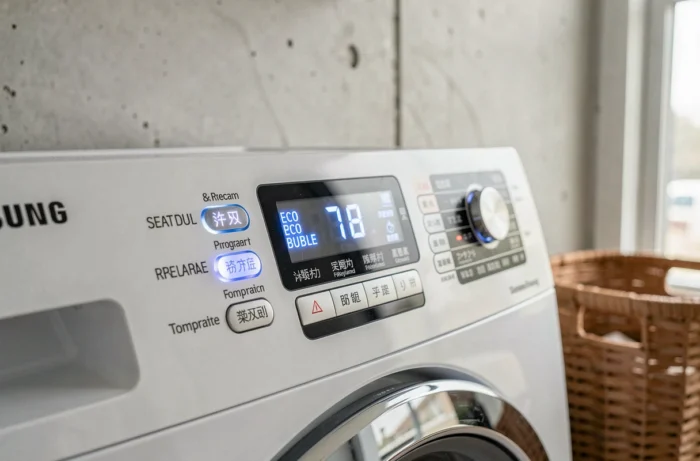
The Samsung washing machines marketed under the AI Eco Bubble name incorporate a machine learning layer. The machine adjusts the program duration, water amount, and spin speed based on accumulated usage habits over cycles.
A complete reset erases this learning data. The machine returns to its factory settings and gradually recalculates its adjustments. The first cycles after a reset may therefore seem longer or consume more water than usual. This behavior is normal and stabilizes after several uses.
This particularity is almost never mentioned in troubleshooting guides. However, it explains part of the negative feedback post-reset, where users perceive a “malfunction” that is not one.
When resetting is not enough: guidelines for decision-making
A reset resolves the majority of temporary blockages. If the problem persists after two spaced attempts, the software avenue is exhausted. Check if your device is still under warranty before any intervention: Samsung applies a manufacturer’s warranty on its washing machines, the duration of which is indicated on the purchase invoice or in the online customer area.
The test mode described above provides a usable diagnosis for a technician. Communicating the exact error code and the test result avoids a separately charged diagnostic visit. For connected models, the SmartThings app sometimes offers a remote pre-diagnosis that points to the faulty component.